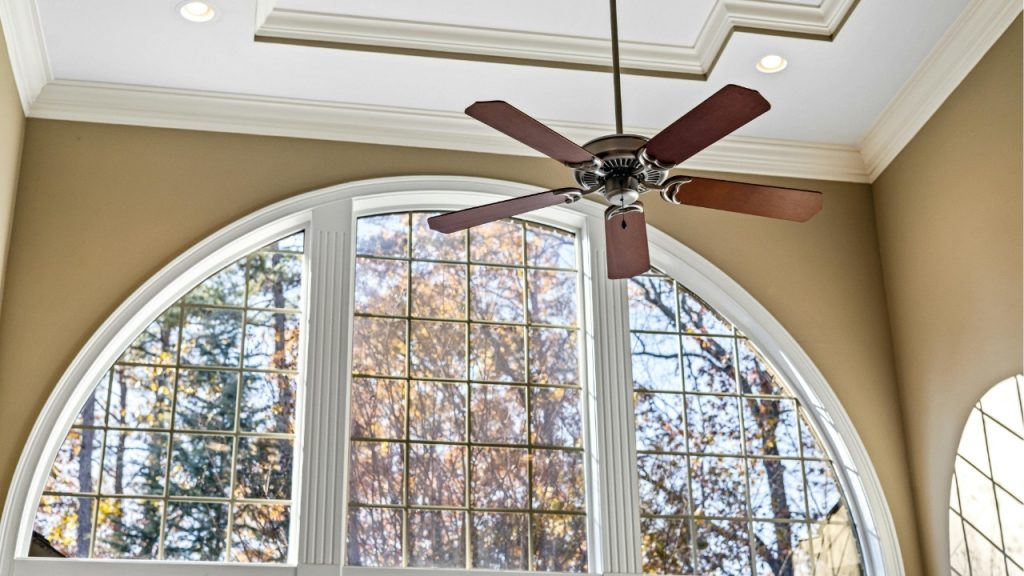

Is your ceiling fan suddenly humming, clicking, or wobbling loudly enough to keep you awake at night? A noisy ceiling fan is more than an annoyance. It can signal loose parts, poor installation, or worn-out components that need attention. If you are searching for how to stop ceiling fan from making noise, the good news is that most issues are easy to diagnose and fix without replacing the whole fan.
Common Causes of a Noisy Ceiling Fan
A ceiling fan can make noise for several reasons, and identifying the source is the first step toward a quiet repair.
Loose Screws and Hardware
One of the most common causes of ceiling fan noise is loose screws. Over time, vibration can loosen the screws in the blade brackets, light kit, canopy, or mounting hardware. This often creates rattling, clicking, or buzzing sounds.
Unbalanced Fan Blades
If your ceiling fan is wobbling, the blades may be out of balance. An imbalanced fan can produce a humming noise, shaking, or a rhythmic thumping sound. Dust buildup, warped blades, or uneven blade height can all contribute to the problem.
Worn Motor Bearings
If the fan makes a grinding or squeaking sound even at low speed, the motor bearings may be worn. This is more common in older ceiling fans. In many cases, lubrication may help, but some motors are sealed and cannot be repaired.
Improper Installation
A fan that is not mounted securely to a proper ceiling fan-rated electrical box may vibrate excessively and make noise. A loose downrod, crooked bracket, or poorly installed canopy can also create unwanted sound.
Dirty or Dusty Blades
Dust buildup can throw off blade balance and increase strain on the motor. Even a thin layer of dust can lead to extra noise and reduced performance.
How to Stop Ceiling Fan From Making Noise
Once you know the likely cause, you can use a few simple fixes to quiet the fan.
Tighten All Visible Screws
Turn off the fan and power at the breaker first. Then check and tighten the screws on the blades, blade arms, motor housing, light kit, and mounting bracket. Do not overtighten, but make sure everything is secure.
Clean the Blades
Use a microfiber cloth to remove dust from all fan blades. Cleaning the blades regularly helps prevent imbalance and keeps the fan running smoothly.
Balance the Blades
If the fan wobbles, use a ceiling fan balancing kit or try repositioning the blades slightly. Check that all blades sit at the same angle and height. Even small adjustments can reduce vibration and noise.
Lubricate the Motor if Needed
Some older fans have oil ports and require a few drops of manufacturer-approved lubricant. If your model is sealed, do not force lubrication into the motor. Check the owner’s manual before applying any oil.
Check the Mounting Box and Downrod
Make sure the fan is attached to a fan-rated electrical box and that the downrod is secure. A loose mount can make the entire fan shake and amplify sound through the ceiling.
Replace Worn Parts
If the fan continues making noise after cleaning and tightening, a worn capacitor, bearing, or blade may be the problem. Replacing the damaged part can often restore quiet operation.
When to Replace the Ceiling Fan
If your ceiling fan is very old, motor noise is getting worse, or repairs do not solve the issue, replacement may be the best option. A new energy-efficient ceiling fan can deliver quieter performance and better airflow.
Final Tips for a Quiet Ceiling Fan
To prevent future noise, clean and inspect your fan every few months, especially during heavy use. Regular maintenance is the easiest way to avoid rattling, humming, and wobbling. If you want to know how to stop ceiling fan from making noise, start with the basics: tighten, clean, balance, and inspect. In many cases, those simple fixes are enough to bring back a quiet, comfortable room.