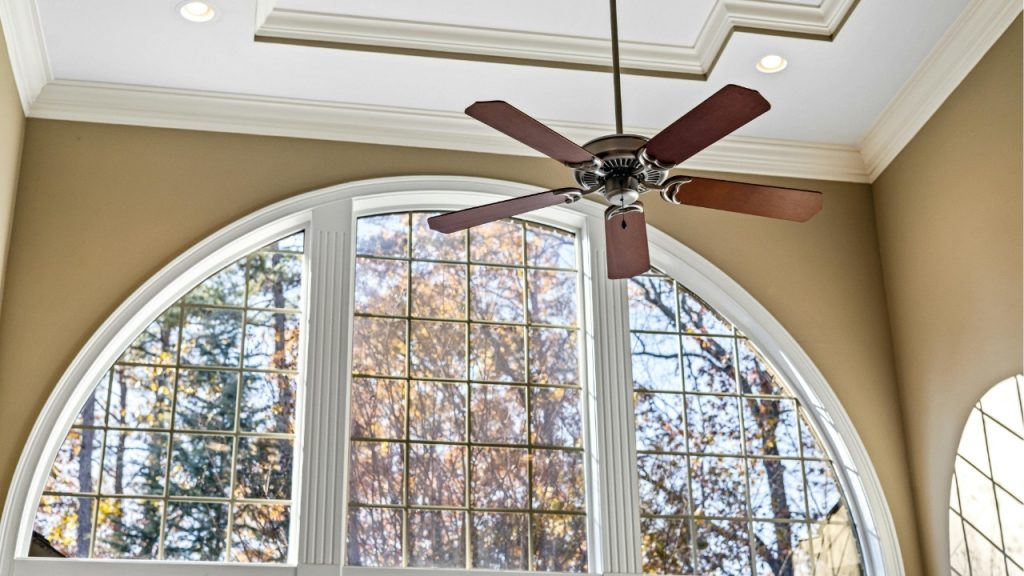
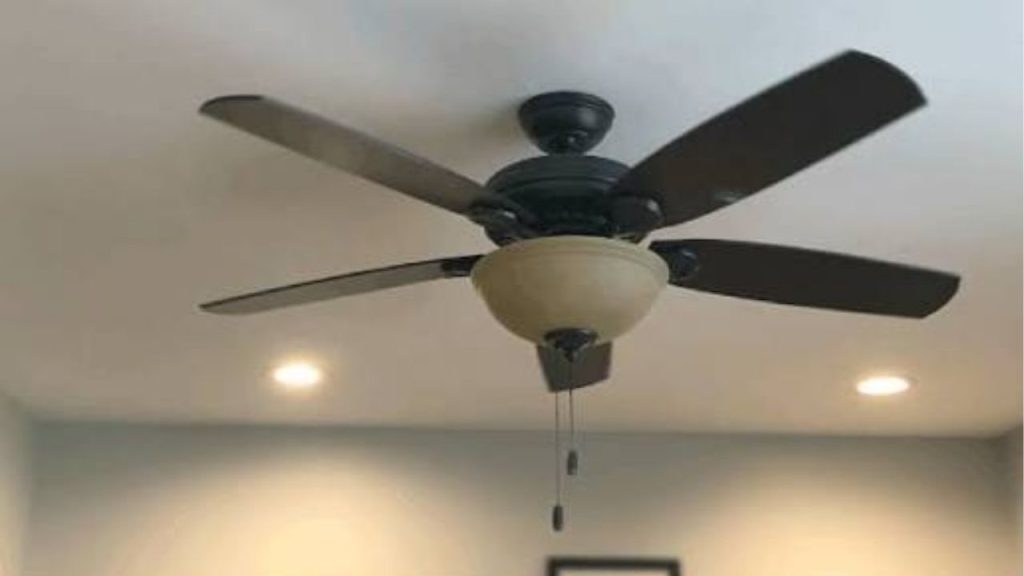
Have you ever been kept awake by a squeaking ceiling fan that seems to get louder the longer it spins? If you are searching for how to stop ceiling fan from squeaking, the good news is that most fan noises are caused by simple issues you can fix at home. A squeaky ceiling fan is usually a sign of loose hardware, dry moving parts, unbalanced blades, or worn-out components. With a few basic checks and maintenance steps, you can often quiet the noise and restore smooth operation.
Why Is My Ceiling Fan Squeaking?
A ceiling fan squeaks when one or more parts are rubbing, shifting, or not operating smoothly. In many cases, the noise gets worse over time because the problem is ignored. Common ceiling fan squeaking causes include:
Loose Screws or Mounting Hardware
If the fan housing, blade brackets, or mounting bracket are loose, the fan can vibrate and create squeaking or chirping sounds. Even a slightly loose screw can cause noticeable noise.
Dry Motor or Moving Parts
Some ceiling fans have bearings or moving joints that need lubrication. When parts dry out, they can squeak as the fan turns.
Dirty or Warped Blades
Dust buildup, bent blades, or warped blade arms can throw the fan off balance. This leads to extra stress and noise during operation.
Worn-Out Motor Components
If the squeaking comes from inside the motor, the bearings or internal parts may be wearing out. This is more common in older ceiling fans.
How to Stop Ceiling Fan From Squeaking
If you want to stop ceiling fan squeaking fast, start with the easiest fixes first. In many homes, a simple inspection solves the problem.
Turn Off Power and Inspect the Fan
Before touching anything, switch off the fan and cut power at the wall switch or breaker. Check all visible screws on the blades, blade arms, and ceiling mount. Tighten anything that feels loose, but do not overtighten.
Clean the Blades and Housing
Dust and grime can contribute to imbalance and noise. Wipe down each blade, the motor housing, and the top of the fan with a microfiber cloth. A clean fan runs more smoothly and quietly.
Lubricate the Motor If Needed
If your fan model requires lubrication, apply the manufacturer-recommended oil to the motor bearings or moving parts. Not all ceiling fans are designed to be oiled, so check the owner’s manual first. Using the wrong lubricant can make the problem worse.
Balance the Blades
An unbalanced fan can squeak, wobble, or hum. Make sure all blades are securely attached and aligned. If needed, use a ceiling fan balancing kit to correct uneven airflow and reduce vibration.
Replace Worn Parts
If tightening, cleaning, and lubricating do not fix the squeaking ceiling fan, worn bearings, cracked blade arms, or damaged motor parts may need replacement. Older fans may be more cost-effective to replace entirely.
When to Call a Professional
If the squeaking continues after basic maintenance, or if you hear grinding, buzzing, or a burning smell, stop using the fan and call a licensed electrician or repair technician. Persistent noise can signal a more serious motor or wiring issue.
Prevent Ceiling Fan Squeaking in the Future
Regular maintenance is the best way to prevent ceiling fan noise. Dust the blades monthly, check screws every few months, and listen for early signs of wobbling or squeaking. A little upkeep can extend the life of your fan and keep it running quietly.
If you are trying to figure out how to stop ceiling fan from squeaking, start with cleaning, tightening, and balancing. These simple fixes solve many common fan noise problems and help your ceiling fan stay quiet, efficient, and comfortable year-round.