Have you ever pressed every button on your coffee maker and still not gotten that first cup going? If you are wondering how to turn on a Keurig coffee maker, the process is usually quick and simple, but the exact steps can vary a little depending on the model. Whether you have a classic K-Classic, a Keurig Duo, or a newer touchscreen model, this quick guide will help you power it on and get it ready for brewing.
How to Turn On a Keurig Coffee Maker
Turning on a Keurig coffee maker is usually straightforward. Most models use a power button, while others may wake up automatically when plugged in.
Step 1: Plug In the Machine
Make sure the Keurig is securely plugged into a working wall outlet. If the machine has no power, check the outlet by plugging in another device. A loose plug or tripped outlet is one of the most common reasons a Keurig coffee maker will not turn on.
Step 2: Press the Power Button
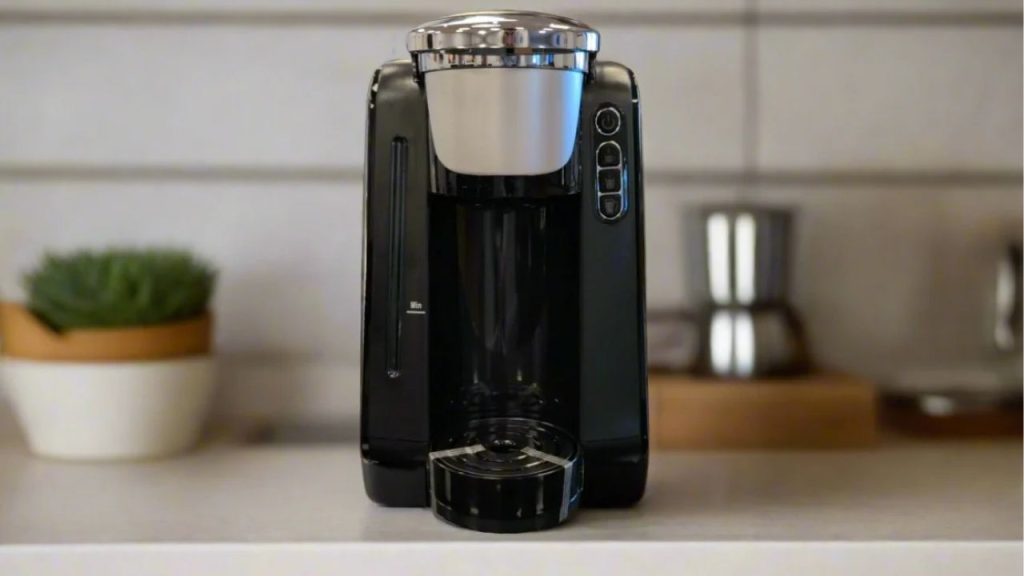
Look for the power button on the top, side, or front of the machine, depending on the model. On many Keurig coffee makers, the power button has a small light indicator. Press it once to turn the brewer on. If it is working properly, the lights should come on and the machine may begin heating water.
Step 3: Wait for the Machine to Heat
After turning on the Keurig, allow it a minute or two to warm up. Many models show blinking lights during heating and stop blinking when the brewer is ready. Once the machine is fully heated, you can insert a K-Cup pod and start brewing.
How to Wake Up a Keurig Coffee Maker from Sleep Mode
Some Keurig coffee makers enter sleep mode to save energy. If your machine seems off, it may just need to be awakened.
Press Any Button
On many models, pressing the power button or brew button will wake the machine. Some units also respond to opening and closing the lid.
Check Auto-Off Settings
If your Keurig turns itself off quickly, the auto-off feature may be enabled. This setting varies by model, but it is designed to save energy when the brewer is not in use.
What to Do If Your Keurig Coffee Maker Will Not Turn On
If you have followed the basic steps and the machine still will not power on, try these troubleshooting tips.
Confirm Power Connection
Unplug the machine and plug it back in firmly. Also check that the outlet is working. Avoid using a faulty power strip if possible.
Reset the Brewer
Some Keurig models benefit from a quick reset. Unplug the machine for about 30 seconds, then plug it back in and press the power button again.
Check for Scale Buildup
Mineral buildup can affect performance over time. If your machine has been in use for a while, descaling may help restore normal function and improve heating.
Inspect the Lid and Water Reservoir
Make sure the water reservoir is seated correctly and the lid is fully closed. Certain models will not operate if parts are not aligned properly.
Tips for Using a Keurig Coffee Maker Correctly
To keep your brewer running smoothly, use fresh water, clean the machine regularly, and follow the manufacturer’s instructions. If you want the best coffee flavor, use the right cup size and replace the water in the reservoir often.
Final Thoughts
Learning how to turn on a Keurig coffee maker is simple once you know where the power button is and how your model behaves. In most cases, plug it in, press the power button, and wait for the brew light to stop blinking. If the machine does not turn on, basic checks like resetting the brewer, confirming the outlet, and cleaning the machine can usually solve the issue.