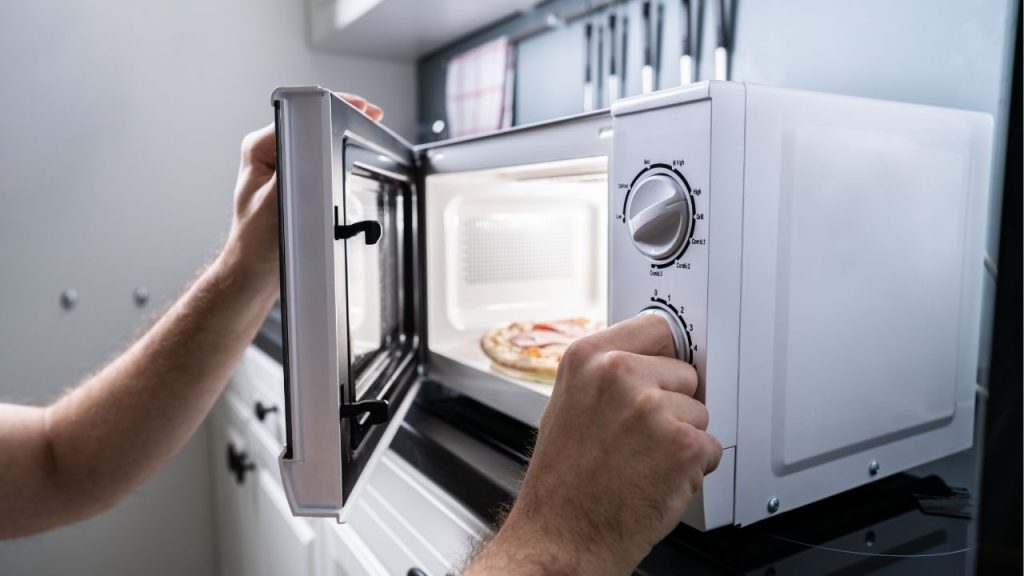
Have you ever finished heating a meal and noticed your microwave fan keeps running long after the timer stops? If so, you are not alone. Many homeowners search for how to turn off auto fan on microwave because this feature can feel confusing, noisy, or unnecessary. In most cases, the fan is working exactly as designed to cool the appliance and protect internal components.
What Is the Auto Fan on a Microwave?
The auto fan, also called the cooling fan or ventilation fan, is a built-in system that helps manage heat inside the microwave. After cooking, especially after long or high-power use, the fan may continue running for a few minutes to prevent overheating.
On some models, the fan may also activate automatically when the microwave senses extra heat from the magnetron or control board. This is normal for many over-the-range microwaves and built-in models.
Can You Turn Off the Auto Fan on a Microwave?
In many microwaves, the auto fan cannot be completely turned off because it is a safety feature. Manufacturers design it to protect the appliance from heat damage. However, depending on the brand and model, you may be able to adjust fan settings, reduce runtime, or disable certain ventilation modes.
If you are trying to figure out how to turn off auto fan on microwave, the first step is to check your owner’s manual. Some models allow manual fan control, while others do not offer a disable option at all.
How to Turn Off Auto Fan on Microwave
1. Check the Control Panel Settings
Some microwaves have a fan button or ventilation setting on the control panel. Look for options such as:
- Fan On
- Fan Off
- Auto Fan
- Vent Fan
- High, Low, or Turbo
Press the fan button repeatedly to cycle through settings. If your microwave is in auto mode, switching to manual may stop the fan from running on its own.
2. Review the User Manual
The fastest way to find out how to turn off auto fan on microwave is to check the model-specific manual. Search for sections labeled:
- Vent fan operation
- Cooling fan
- Auto fan settings
- Appliance fan behavior
Some brands explain whether the fan can be disabled or only adjusted.
3. Wait for the Cooling Cycle to Finish
If the fan is running after cooking, it may simply be in its normal cooling cycle. This can last a few minutes. In that case, there is nothing to turn off. The fan should stop automatically once the internal temperature drops.
4. Power Cycle the Microwave
If the fan seems stuck, unplug the microwave for one to two minutes, then plug it back in. This may reset the control board. If the fan still runs nonstop, the appliance may need service.
Why the Microwave Fan Keeps Running
There are a few common reasons the auto fan stays on:
- The microwave just completed a long cooking cycle
- Internal components are still hot
- The sensor detected excess heat
- The fan setting is on automatic ventilation
- There is a control board or relay issue
If the fan runs for an unusually long time or never stops, it could signal a malfunction.
When to Call for Repairs
You should contact a qualified appliance technician if:
- The fan runs continuously for hours
- The microwave makes strange noises
- The control panel does not respond
- The appliance overheats
- You smell burning or electrical odor
A defective thermostat, fan relay, or control board may be the cause.
Final Tips
When learning how to turn off auto fan on microwave, remember that this function is usually a built-in safety feature, not a problem. In many cases, the fan cannot and should not be disabled permanently. The best approach is to check your settings, review the manual, and make sure the unit is working normally.
If your microwave fan keeps running too long or never turns off, professional repair is the safest next step.