Have you ever noticed how quickly a mouse pad can collect dust, sweat, crumbs, and oily residue from daily use? If you are wondering how to wash mouse pad in washing machine without ruining it, the good news is that many mouse pads can be cleaned safely with the right approach. Before you toss it in with the laundry, though, it is important to check the material, care label, and construction so you do not damage the surface, stitching, or non-slip backing.
What to Know Before Washing a Mouse Pad in the Washing Machine
Not every mouse pad is machine washable. Standard cloth mouse pads and many gaming mouse pads can usually handle a gentle wash cycle, but models with memory foam, heavy gel inserts, leather, printed coatings, or fragile stitched edges may not. Always look for the manufacturer’s cleaning instructions first.
If your mouse pad has a rubber or foam backing, avoid hot water and high heat drying. These can cause the backing to crack, curl, or separate from the fabric surface. Also, if the pad has electronics, wireless charging features, or an attached wrist rest with special materials, do not machine wash it.
Check the Material First
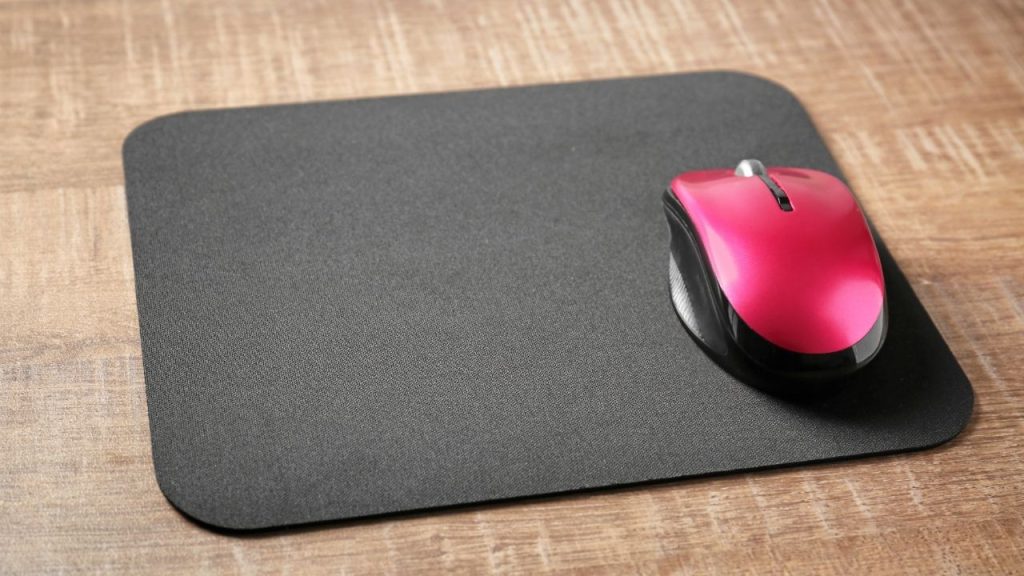
The safest way to wash mouse pad in washing machine is to confirm it is made from fabric, neoprene, or another machine-safe material. Cloth mouse pads are usually the easiest to clean. Hard mouse pads should never go in the washer, since they can warp or get damaged.
Inspect for Damage Before Washing
Before cleaning, look for peeling edges, loose stitching, or worn spots. A damaged pad may come apart during the cycle. If the surface is already lifting, hand washing may be the better option.
How to Wash Mouse Pad in Washing Machine the Right Way
Place the mouse pad inside a mesh laundry bag or a pillowcase to protect it during the wash. This helps reduce friction and prevents the pad from rubbing against zippers or rough fabrics.
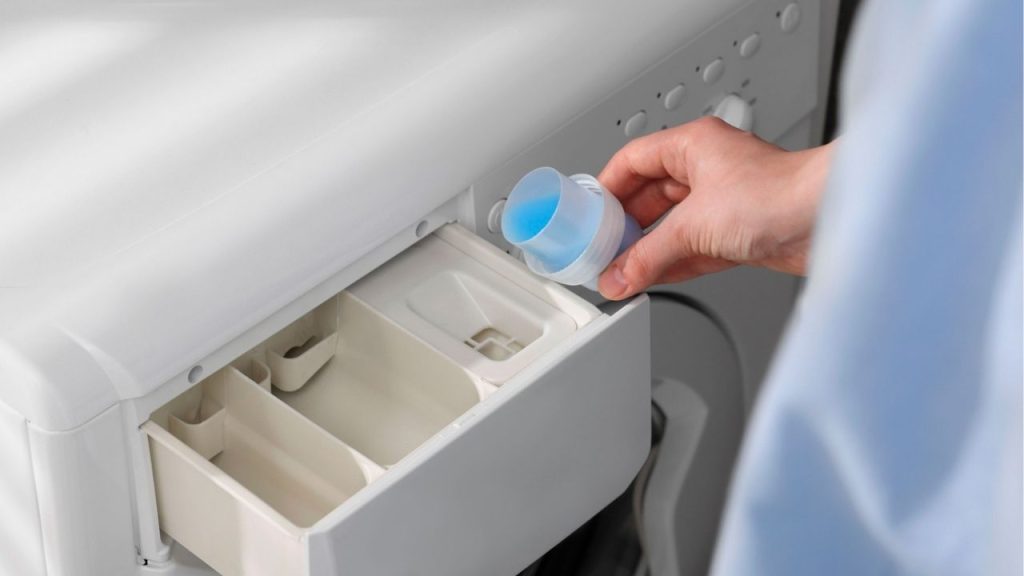
Use a small amount of mild liquid detergent. Skip bleach, fabric softener, and strong stain removers unless the care label says they are safe. Choose cold water and a gentle or delicate cycle. A shorter cycle is usually best for preserving the pad’s shape and texture.
If your mouse pad is very dirty, you can pre-treat it lightly by rubbing a little mild soap on stained areas before washing. Do not scrub too hard, especially on printed designs or textured gaming surfaces.
Best Washing Settings to Use
For most mouse pads, the best settings are:
Cold water
Gentle cycle
Low spin
Mild detergent
These settings help remove dirt while lowering the risk of damage. Avoid washing with heavy items like jeans, towels, or shoes, since they can crush the pad.
How to Dry a Mouse Pad After Washing
Never put a mouse pad in the dryer unless the care instructions specifically allow it. High heat can damage rubber backing and weaken glue. Instead, lay the pad flat on a clean towel and let it air dry completely. Keep it out of direct sunlight and away from heaters, which may cause warping.
Make sure the mouse pad is fully dry before using it again. A damp pad can feel uneven and may affect mouse movement.
When Hand Washing Is the Better Choice
If your mouse pad has specialty materials, strong odors, delicate stitching, or a non-standard shape, hand washing is often safer. Fill a sink with cool water, add a small amount of mild soap, gently scrub with your hands, rinse well, and air dry flat.
Final Tips for Keeping Your Mouse Pad Clean
To extend the life of your mouse pad, clean it regularly before dirt builds up. Wipe it weekly with a damp cloth and wash it only when needed. If you follow the proper steps for how to wash mouse pad in washing machine, you can keep it looking fresh, improving both hygiene and performance without replacing it too soon.