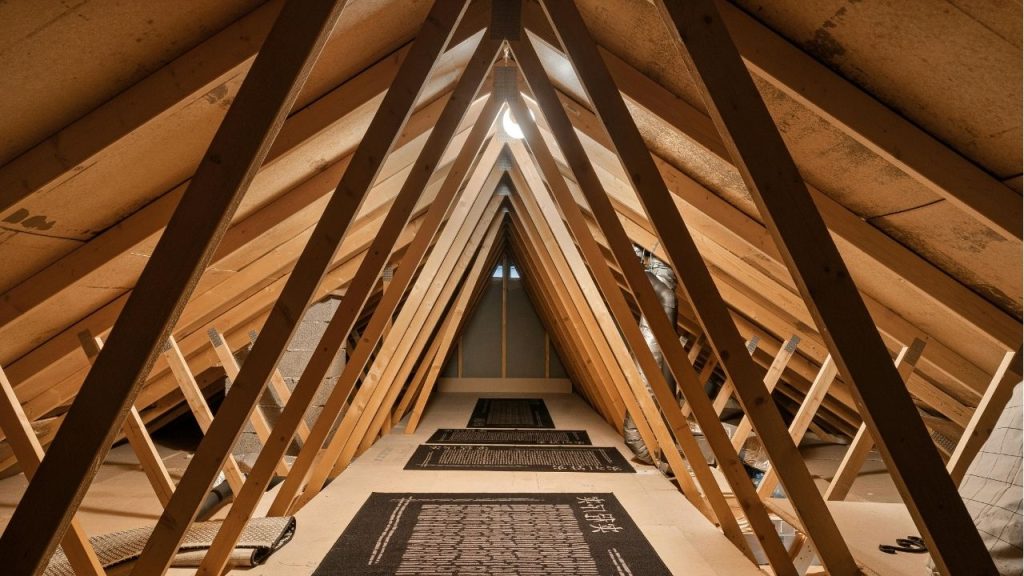
Ever wondered why your attic fan keeps running when you want it off? Knowing how to turn off attic fan systems correctly can help you save energy, reduce noise, and protect your home’s ventilation setup. Whether your attic fan is controlled by a switch, thermostat, timer, or smart device, this quick guide will walk you through the right steps.
How to Turn Off Attic Fan Safely
Before you do anything, identify what type of attic fan you have. Some models are simple and switch-controlled, while others are wired to a thermostat or humidistat that automatically turns the fan on when temperatures rise.
Step 1: Find the Control Switch
The easiest way to turn off attic fan equipment is to locate the wall switch. In many homes, the attic fan is connected to a dedicated switch in the hallway, garage, or utility room.
If your fan has a standard switch:
- Flip the switch to the off position.
- Listen for the fan to stop.
- Check the attic or roof vent area if needed to make sure it is no longer running.
Step 2: Check the Thermostat Setting
If your attic fan does not shut off with a wall switch, it may be controlled by a thermostat. This is common in attic ventilation systems designed to run automatically based on attic temperature.
To turn off an attic fan with a thermostat:
- Locate the thermostat unit in the attic.
- Turn the temperature setting down to the lowest level, or below the current attic temperature.
- Some units may have a power switch or manual override setting.
If the fan keeps running, the thermostat may be stuck or malfunctioning.
Step 3: Look for a Timer or Humidity Control
Many modern attic fans are connected to a timer or humidistat. If you are searching for how to turn off attic fan models with automatic controls, check whether the unit is set to run for a specific duration or until humidity levels drop.
To stop the fan:
- Set the timer to zero or off.
- Adjust the humidistat if moisture is triggering the fan.
- If there is a manual override, use it to shut the system down.
Step 4: Shut Off Power at the Breaker if Needed
If the fan still runs after using the switch or control settings, turn off the power at the circuit breaker. This is the safest way to fully stop the unit while you inspect it.
To do this:
- Find your home’s electrical panel.
- Identify the breaker labeled attic fan or ventilation.
- Flip it to the off position.
This is a good temporary solution if the fan is noisy, overactive, or needs repair.
Why Your Attic Fan May Not Turn Off
If you have followed the usual steps and the fan is still running, there may be a wiring or control issue. Common causes include:
- Faulty thermostat
- Broken wall switch
- Stuck relay
- Timer malfunction
- Short in the electrical circuit
In these cases, it is best to contact an electrician or HVAC technician.
When You Should Turn Off an Attic Fan
You may want to turn off attic fan units during cooler weather, maintenance work, or if the system is drawing too much power. In some homes, attic fans can also interfere with conditioned air if the attic is not properly sealed.
Turn it off if:
- Outdoor temperatures are low
- The fan is making unusual noise
- You are repairing the roof or attic wiring
- The unit is cycling too often
Final Tips for Homeowners
Learning how to turn off attic fan systems is simple once you know where the controls are. Start with the wall switch, then check the thermostat, timer, or breaker if needed. Always use caution when dealing with electrical appliances, and do not attempt repairs unless you are confident in the process.
If your attic fan will not shut off, professional help can prevent damage and keep your home safe.